CodeWithoutAI is a native macOS app that helps developers block AI coding tools and custom web endpoints during focused coding sessions.
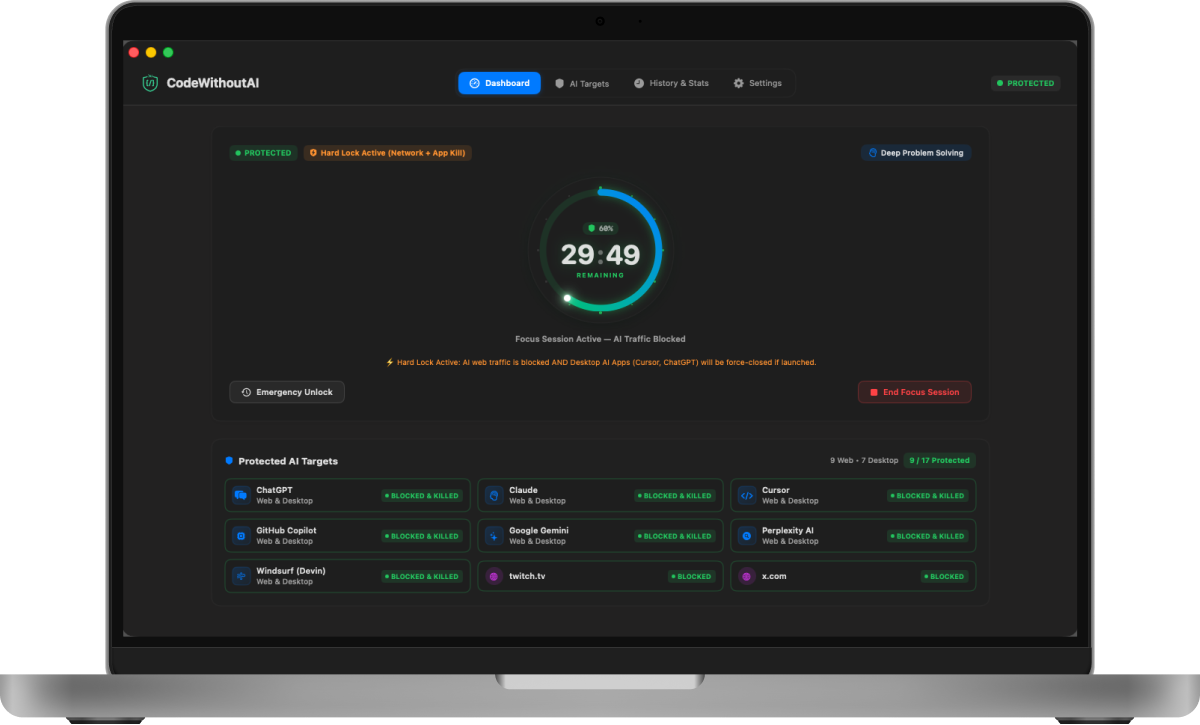
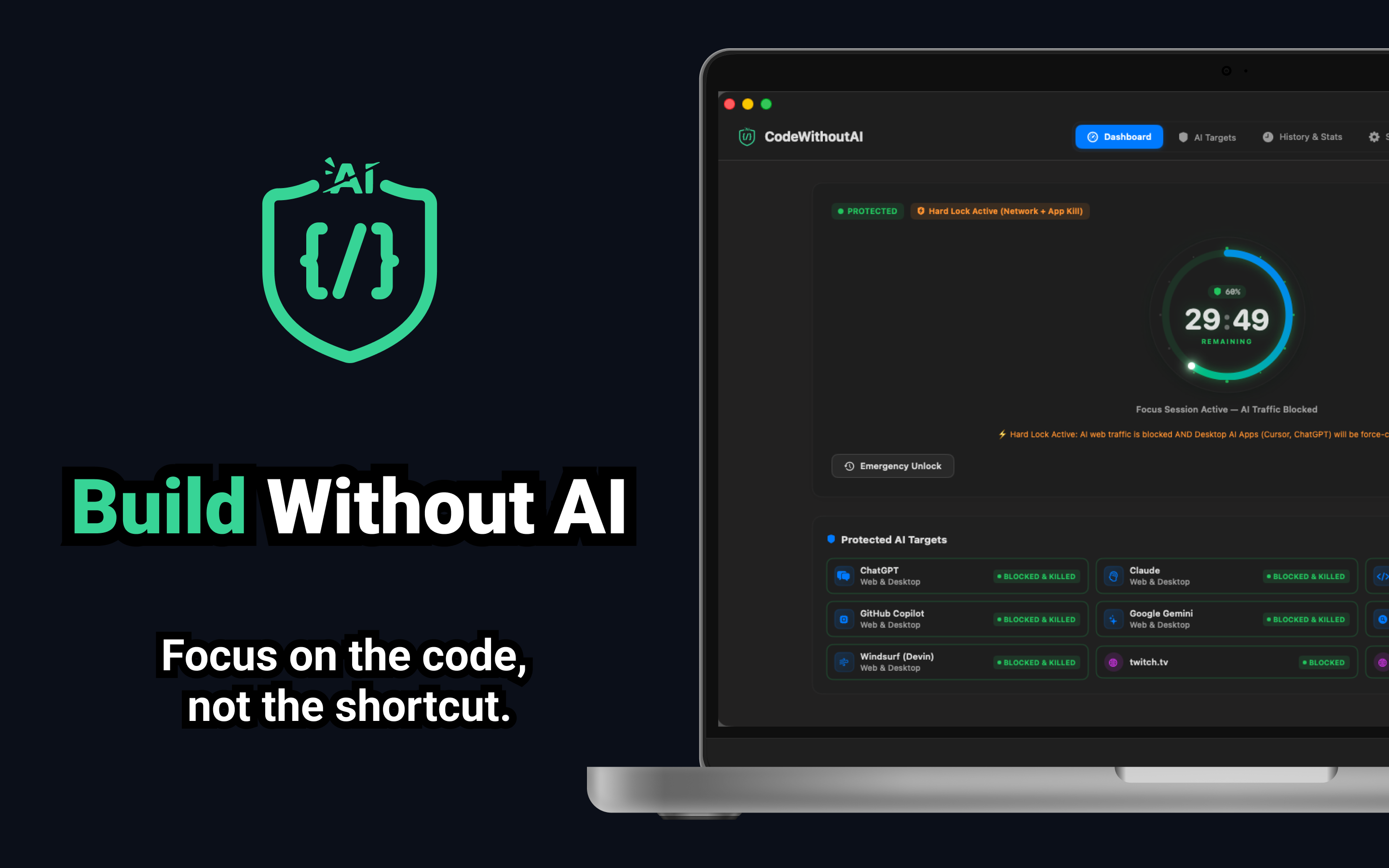
CodeWithoutAI helps developers build deep problem-solving skills by temporarily blocking AI tools during dedicated coding focus sessions.
Temporarily restricts ChatGPT, Claude, Gemini, Copilot, Cursor, and custom API endpoints across your Mac.
Removes the subtle temptation to rely on instant AI solutions when tackling complex algorithmic logic.
Use AI tools intentionally on your terms—not as an automatic reflex during every coding hurdle.
Add custom web destinations and internal LLM endpoints to prevent habit-driven context switching during focus periods.
A simple, structured workflow for distraction-free coding.
Closing the window or quitting the app (Cmd+Q) does NOT silently disable an active session. Network blocking remains enforced until your timer completes.
CodeWithoutAI runs quietly in your macOS top-right menu bar tray with dynamic session actions and non-conflicting keyboard shortcuts (⌥⌘R, ⌥⌘U, ⌥⌘E).
Customizable settings, emergency unlocks, top navigation, and privacy-first design.
Select individual AI tools or add custom domains when no focus session is active. Your configuration is locked once a session begins.
If you hit an urgent roadblock, trigger a temporary 10-minute AI access window. Blocking automatically re-enables when the timer completes.
Fast context menus across AI tools, custom domain cards, and session history rows to copy summary stats, hostnames, or durations in 1-click.
CodeWithoutAI does not upload your source code, prompts, browsing history, or custom domain configuration to external servers.
Designed natively for macOS with a dark theme, real-time blocking indicators, and deep focus analytics.
Live countdown timer, active blocking indicators, and quick session controls.
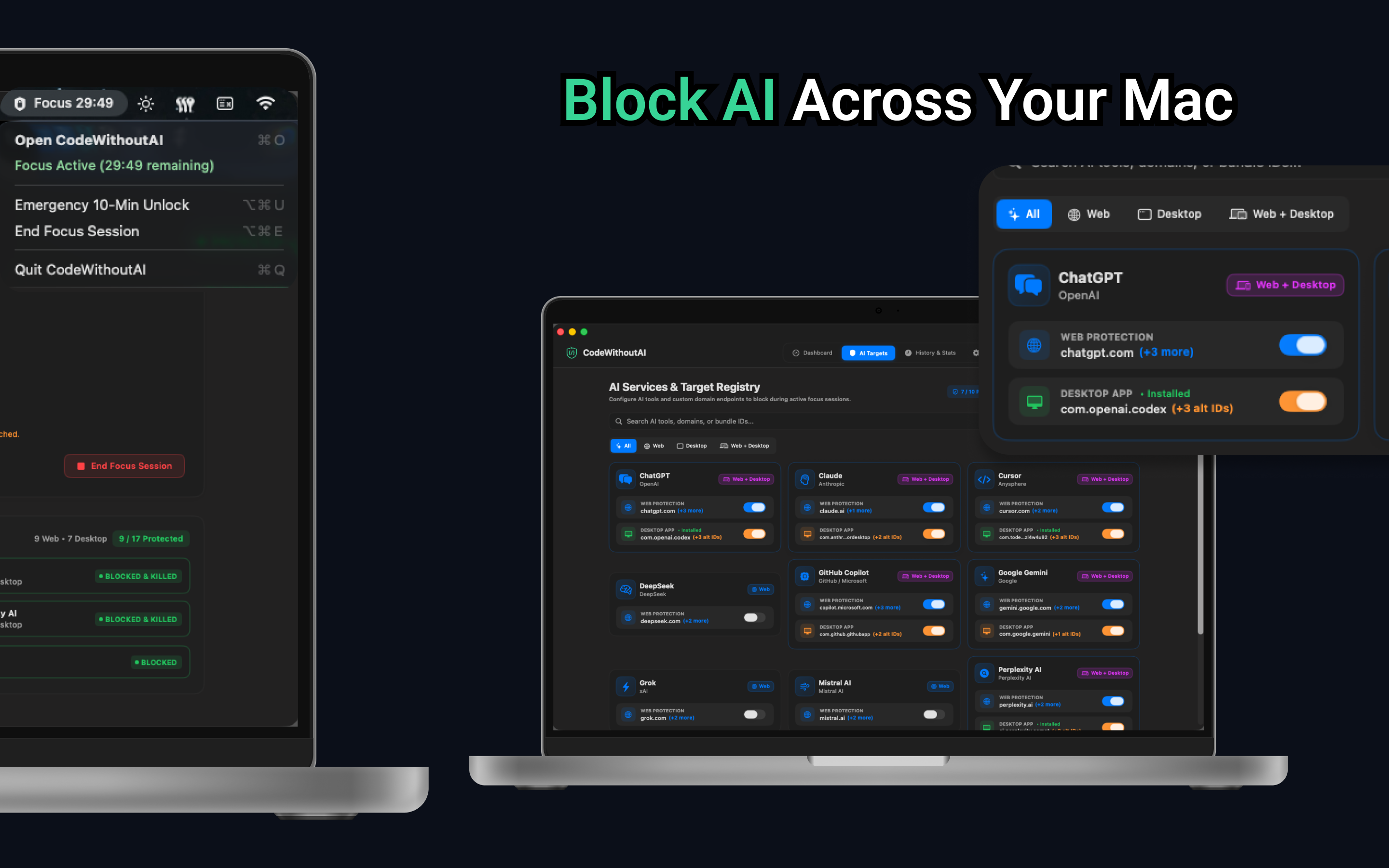
Select individual AI assistants, LLMs, and code generators to block.
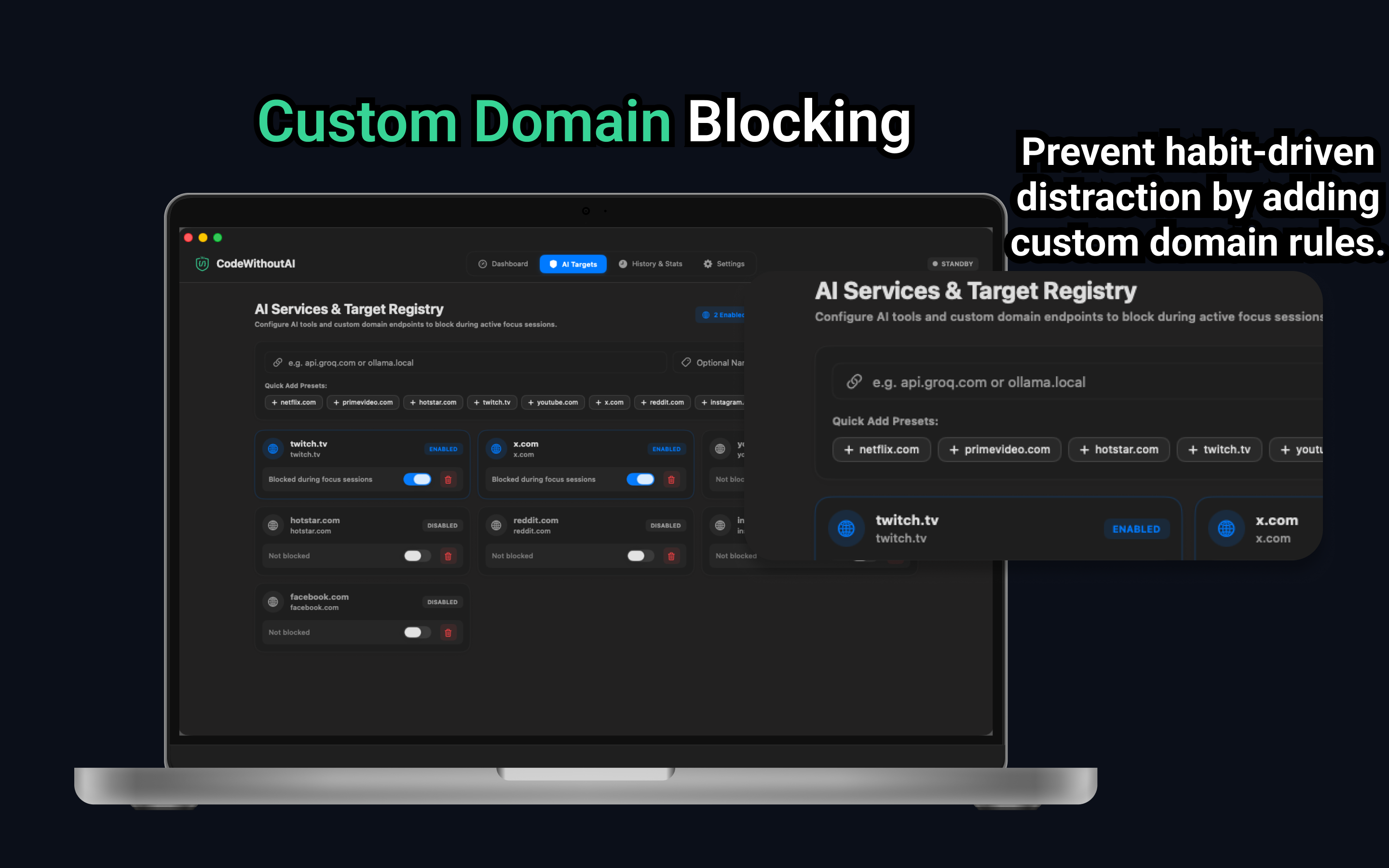
Add custom web destinations and internal endpoints for habit-free coding.
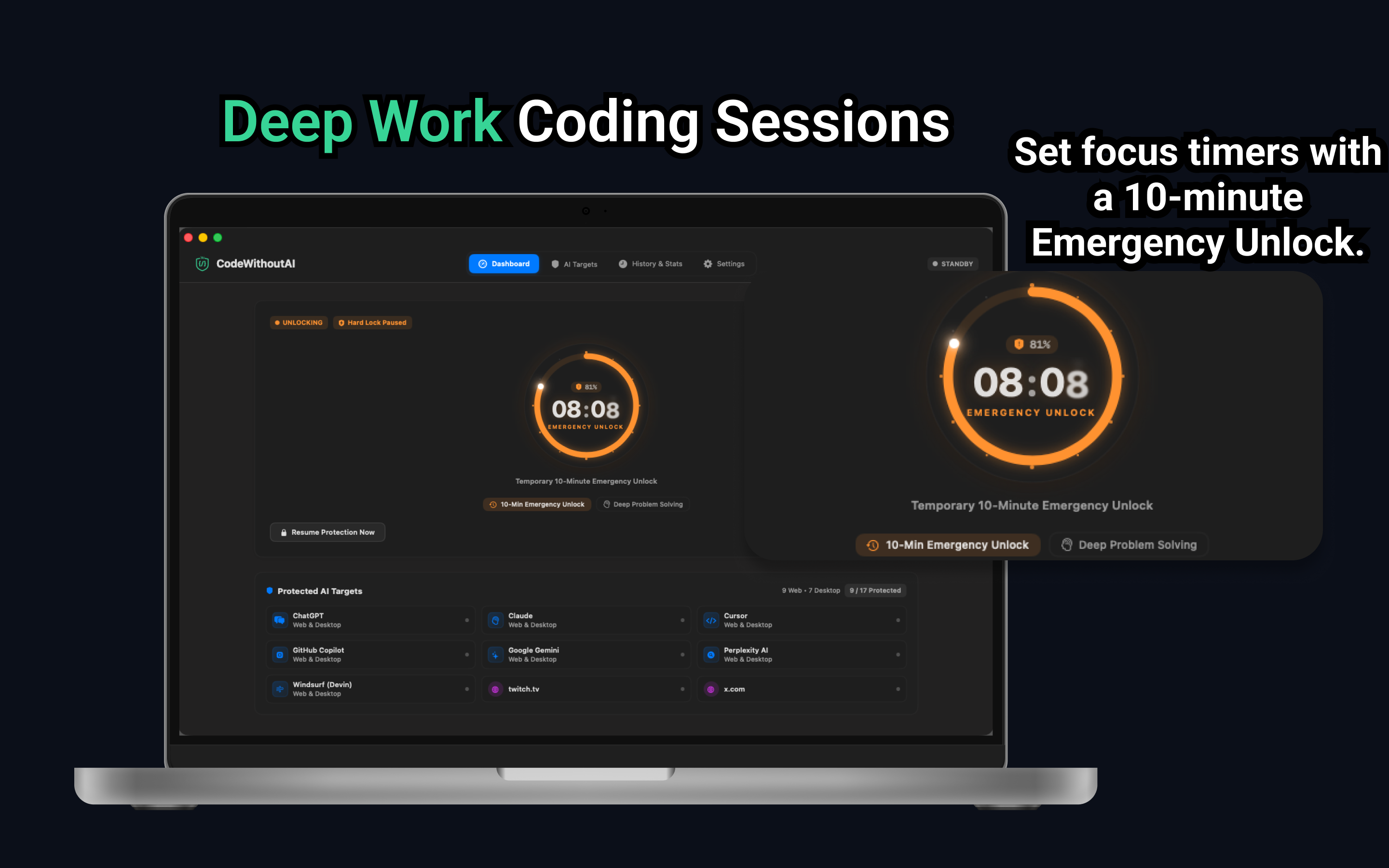
Set timed focus sessions with 10-minute Emergency Unlock controls.
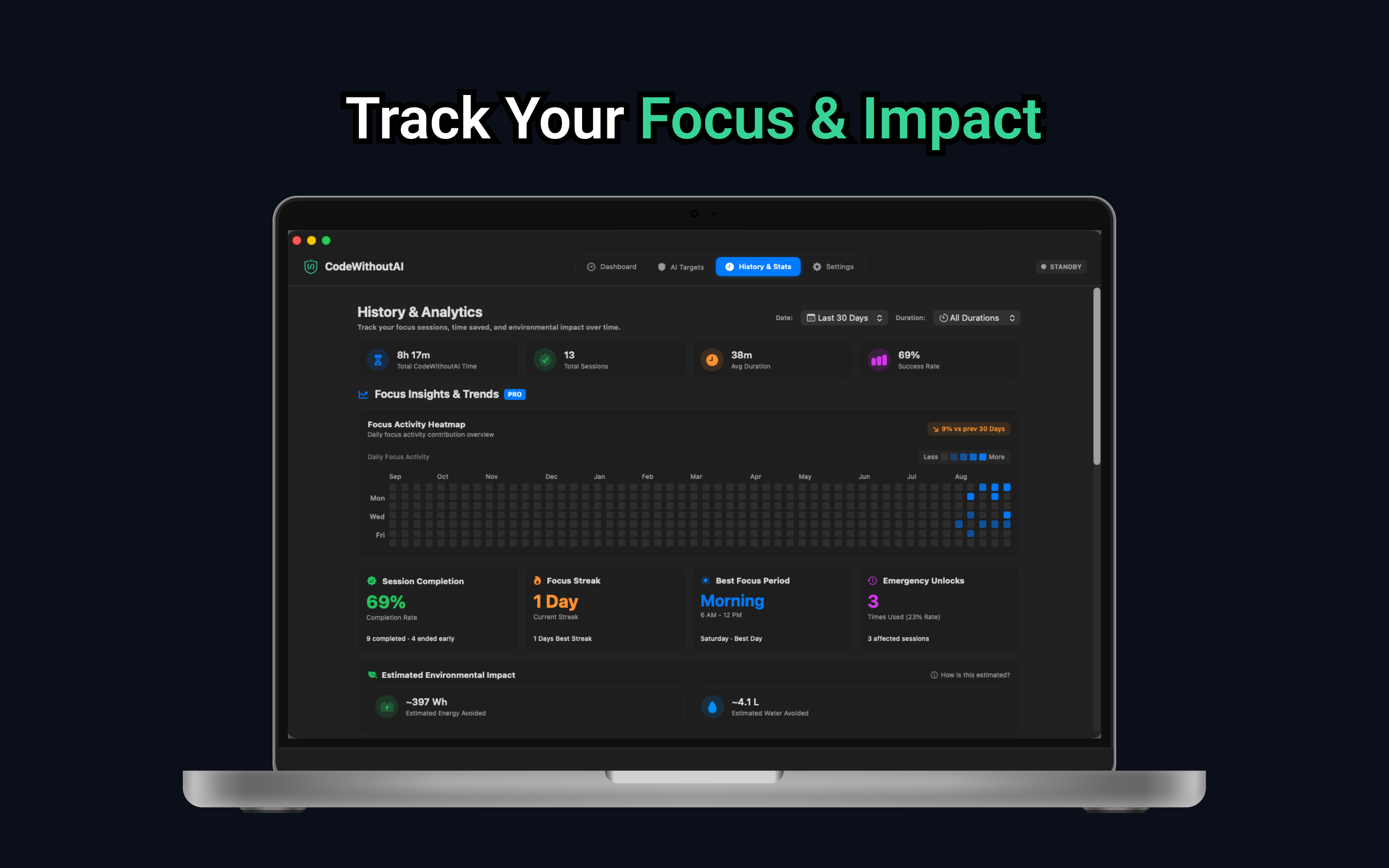
Unified global date & duration filters, adaptive focus time trends, completion rates, streaks, emergency unlocks, and environmental impact.
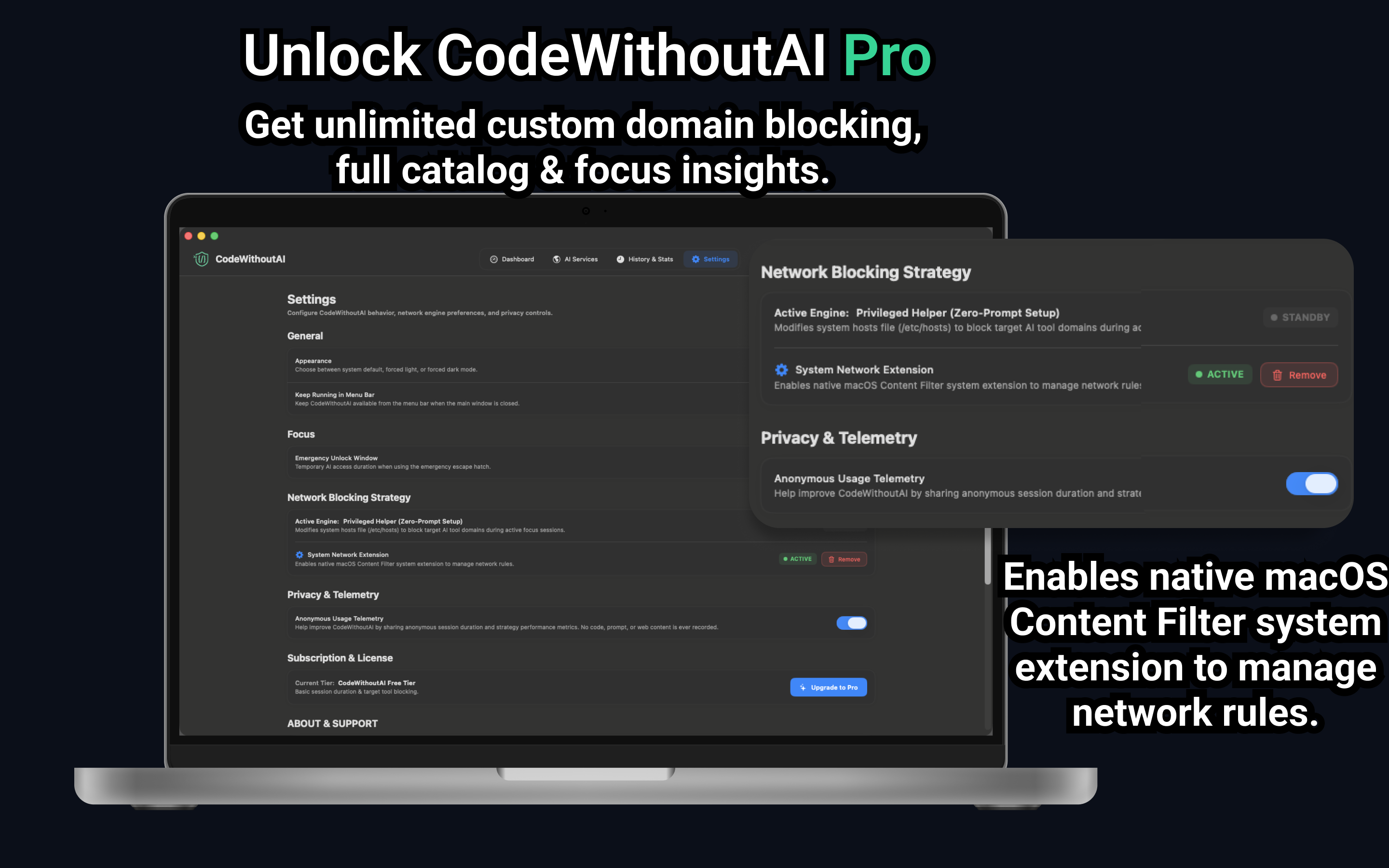
In-app settings tab with theme switcher, system extension status, and Mac App Store update checks.
Build stronger problem-solving habits with focused coding sessions designed for developers.
Download on the Mac App Store